

Importing and exporting the zone
The whole zone as a file: the import brings it along from another provider, the export takes it out, as a backup or for a move.
Importing
Section titled “Importing”Domains → your domain → DNS records → Import / Export, direct address:
dash.regfish.com/my/domains/<tld>/<sld>/zone/import
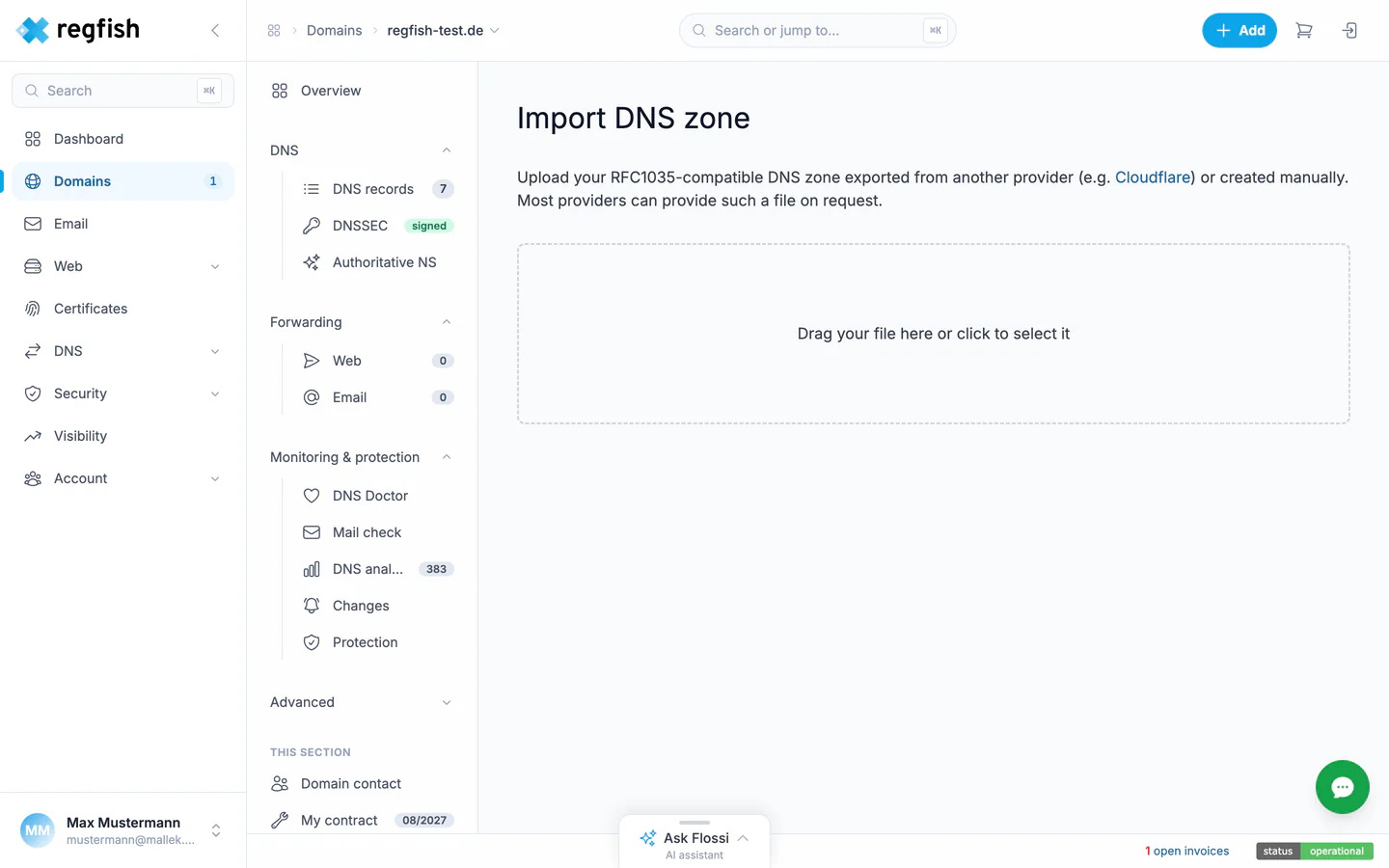
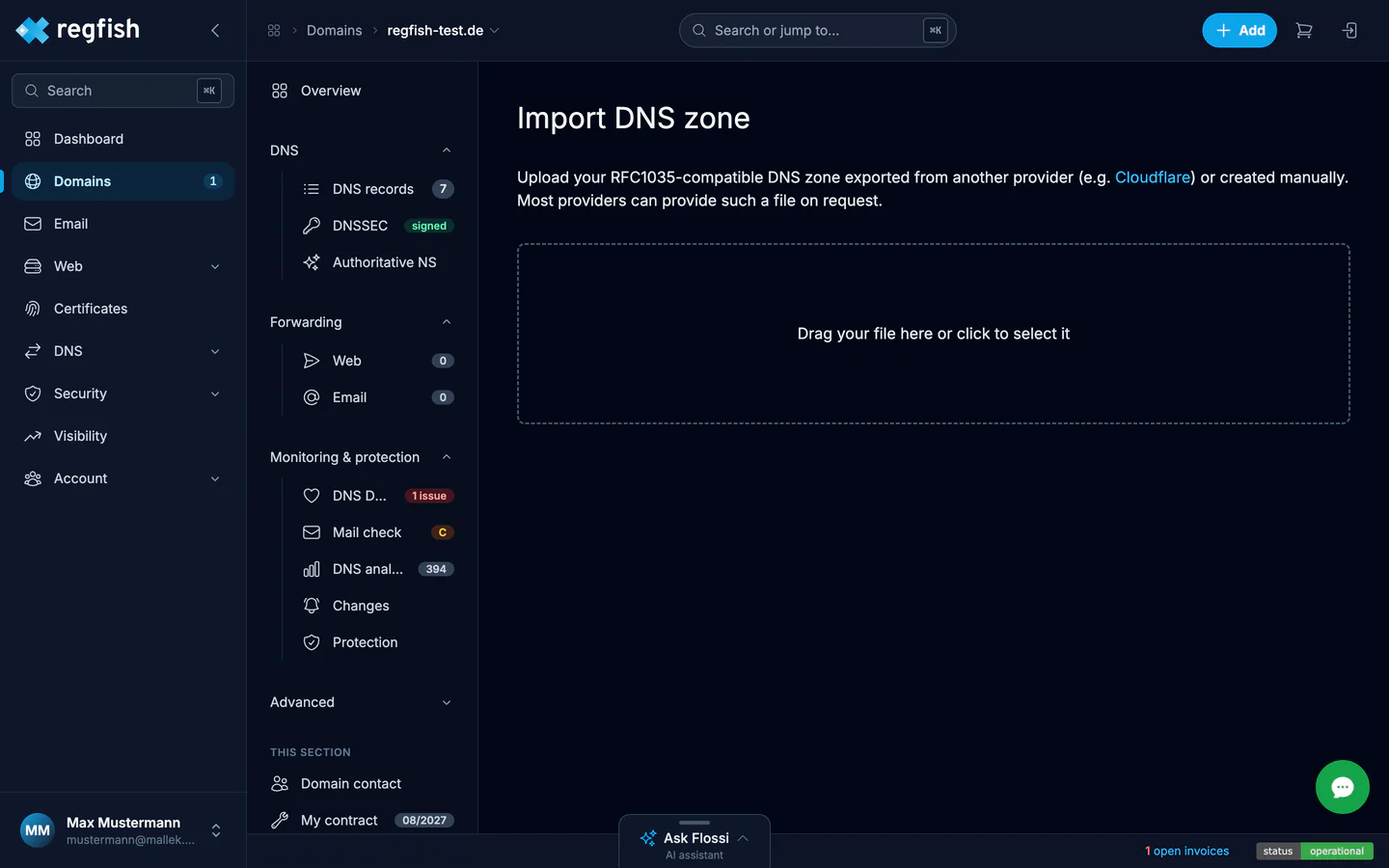
Accepted is an RFC 1035 compatible zone file, the format practically every provider exports, Cloudflare for example. Drop the file in or pick it, done.
Exporting
Section titled “Exporting”The export sits as the Import / Export button at the top of the DNS records page and delivers the zone as a BIND file. The same exists as an endpoint: export the DNS zone as a BIND file.
Two occasions where the export pays off:
- Before big changes. An exported zone is the simplest restore point; the recipe DNS change with rollback builds on exactly that.
- Regularly as a backup, automated through the API if you like.