

Authoritative nameservers
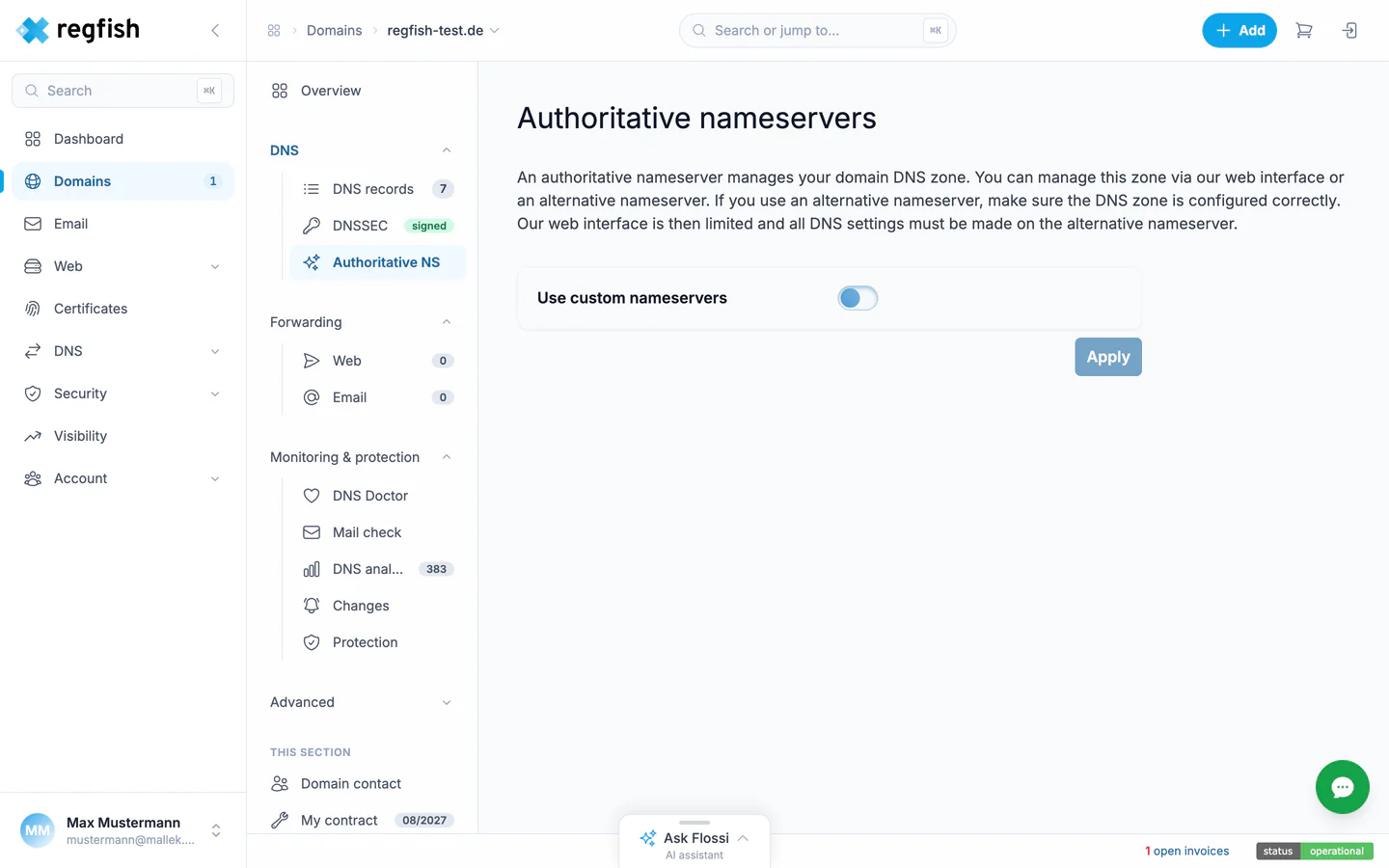
The authoritative nameservers answer the DNS queries for your domain. By default those are the regfish nameservers, and the zone is maintained in the dash. If you want to run the zone elsewhere, this is where you delegate to your own servers.
Where to find it
Section titled “Where to find it”Domains → your domain → DNS → Authoritative NS, direct address:
dash.regfish.com/my/domains/<tld>/<sld>/auth
Switching to your own nameservers
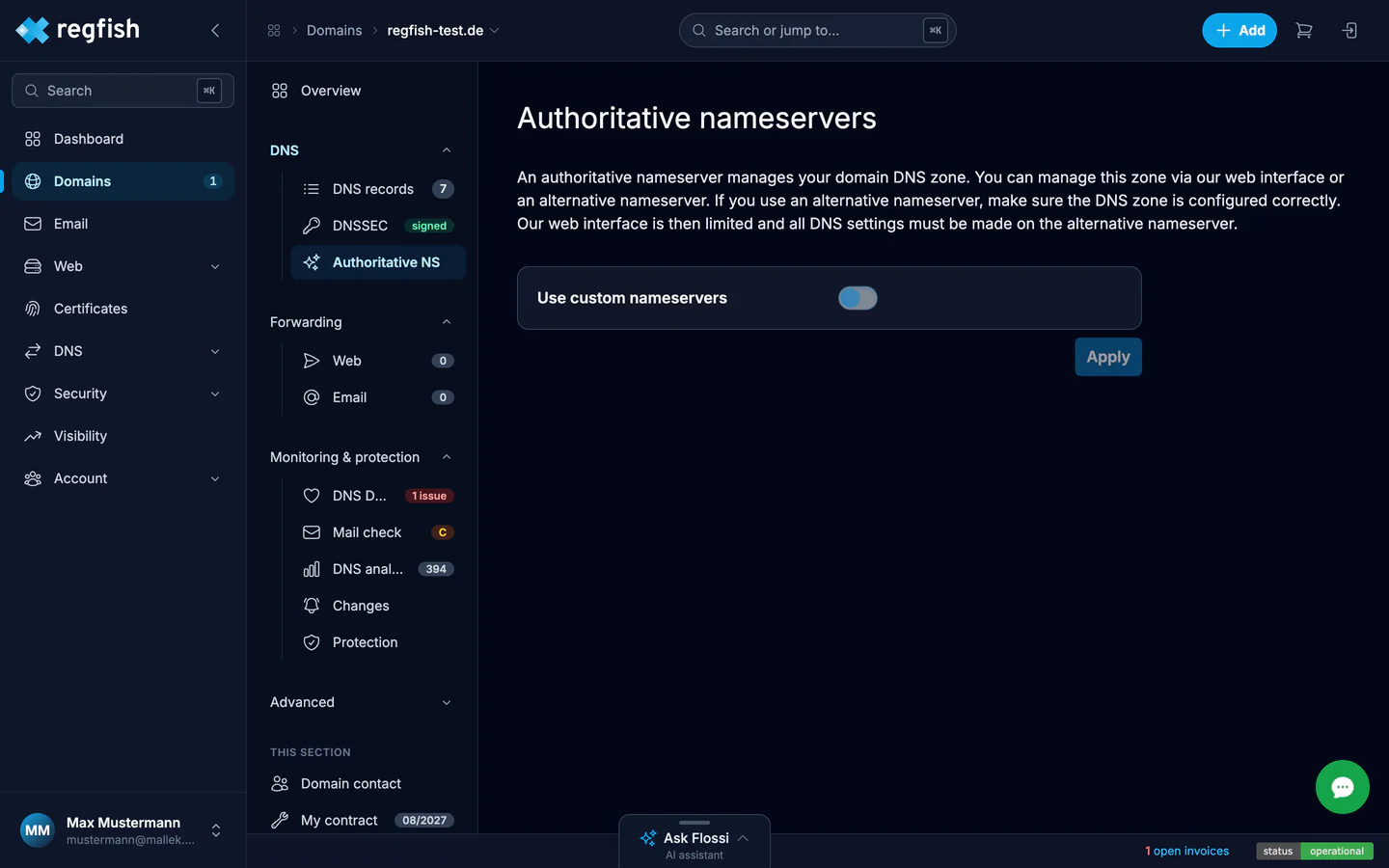
Section titled “Switching to your own nameservers”The Use custom nameservers switch registers your servers at the registry once applied. From then on they answer for the zone, regfish no longer does.
The page names the consequences itself, and they are bigger than the switch looks:
- The web interface is restricted. The DNS records in the dash no longer take effect outside; the zone is maintained on your servers.
- Forwarders for web and email require regfish nameservers and are unavailable.
- DNSSEC is signed by regfish only for zones on its own servers; on foreign nameservers, signing is yours to do.
The way back is the same switch: off, apply, and the zone maintained in the dash counts again.
Not the same: hidden primary
Section titled “Not the same: hidden primary”If you want to maintain the zone yourself but keep the regfish infrastructure facing the world, you do not need delegation but a hidden primary: there the regfish nameservers stay in charge and fetch the zone from your server.
Automating this
Section titled “Automating this”Reading and changing the delegation exist as endpoints; changing through the API applies to vanity sets. Nameservers can also be switched and reverted through the MCP server.