

How the interface is laid out
The dash is the web interface to your regfish account: dash.regfish.com. Everything this documentation describes for the API can also be done by hand there - and the other way round. These chapters walk through the interface; the matching API calls are listed alongside.
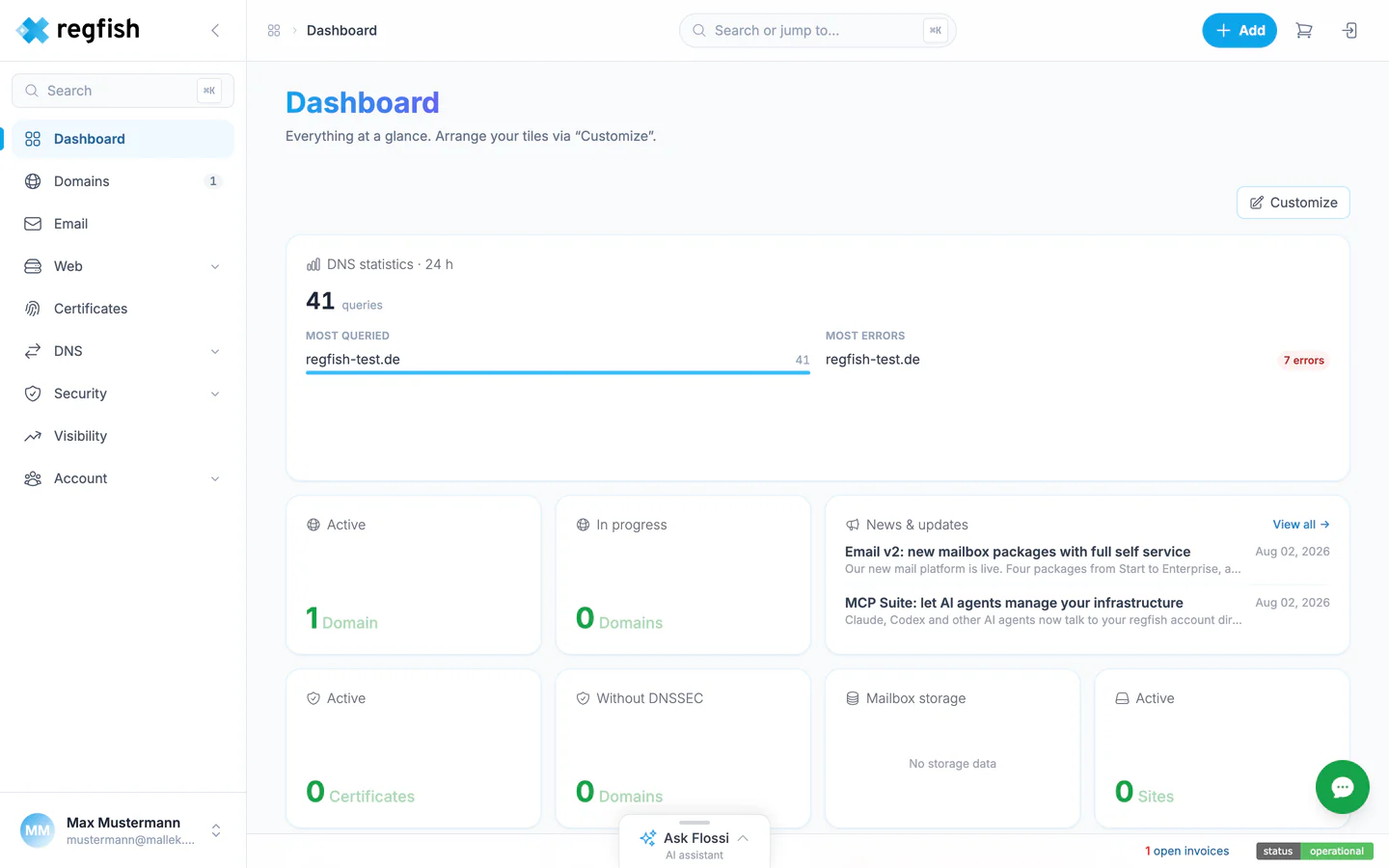
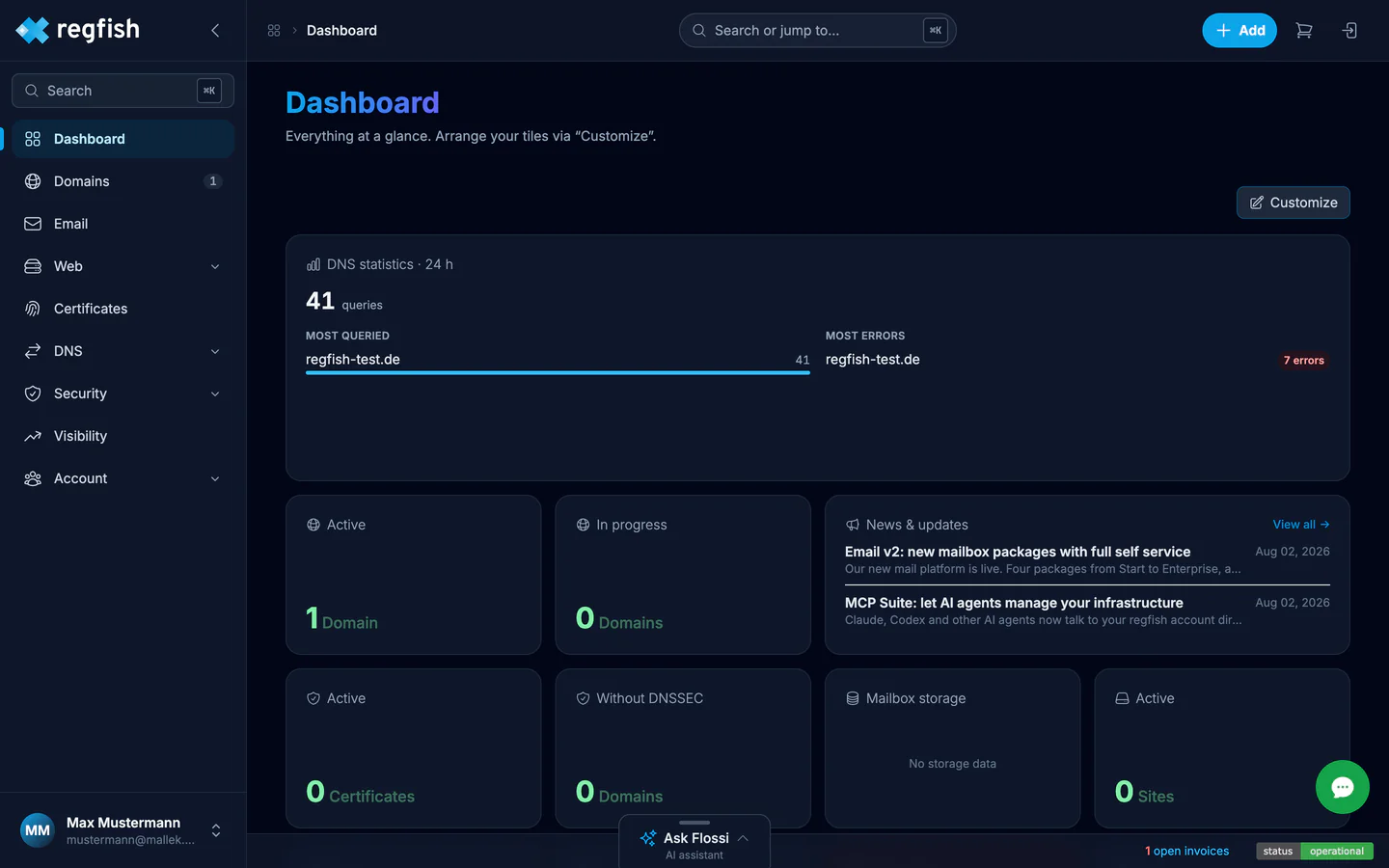
Three columns
Section titled “Three columns”The interface always follows the same structure:
- The main navigation on the left - Dashboard, Domains, Email, Web, Certificates, DNS, Security, Visibility, and Account. The Domains entry shows how many domains you hold. The bar can be collapsed with the arrow at the top.
- The context sidebar in the middle. It appears as soon as you open a domain and lists everything belonging to that one domain: DNS records, DNSSEC, authoritative NS, forwarding, monitoring, and contract.
- The content on the right.
Search sits at the top. Open it with ⌘K to jump straight to a domain or a setting instead of clicking through the navigation.
The tile board
Section titled “The tile board”The overview and every domain overview are made up of tiles. Customize in the top right lets you arrange them freely and show or hide them - the arrangement is stored per account.
The domain overview includes, among others:
| Tile | Shows |
|---|---|
| DNS records | Number of records, broken down by type |
| DNS analytics | Queries over the last 24 hours and the most frequent record type |
| DNSSEC | Signing status and whether the TLD supports DNSSEC |
| DNS Doctor | Result of the health check (passed / notices / problems) |
| Mail check | Grade for SPF, DKIM, and DMARC |
| Recent changes | History of record changes with +, -, and ± |
| Authoritative NS | Operating mode and primary nameserver |
| My contract | Term, renewal price, and time remaining |
| DynDNS, Hidden Primary, Protection | On or off, each with a link to the setup |
Two routes to the same result
Section titled “Two routes to the same result”Every change to DNS, nameservers, or DNSSEC can be made in the dash or through the API. Both work on the same data. For anything you do repeatedly, the API pays off - the recipes cover the typical cases. You create the key you need for it in the dash: Create an API key.