

Signatures and templates
Signatures belong to identities
Section titled “Signatures belong to identities”A signature does not sit on the mailbox but on an identity. An identity is a sender address: your main address or an active alias. So if you write under several addresses, you store a separate signature per address.
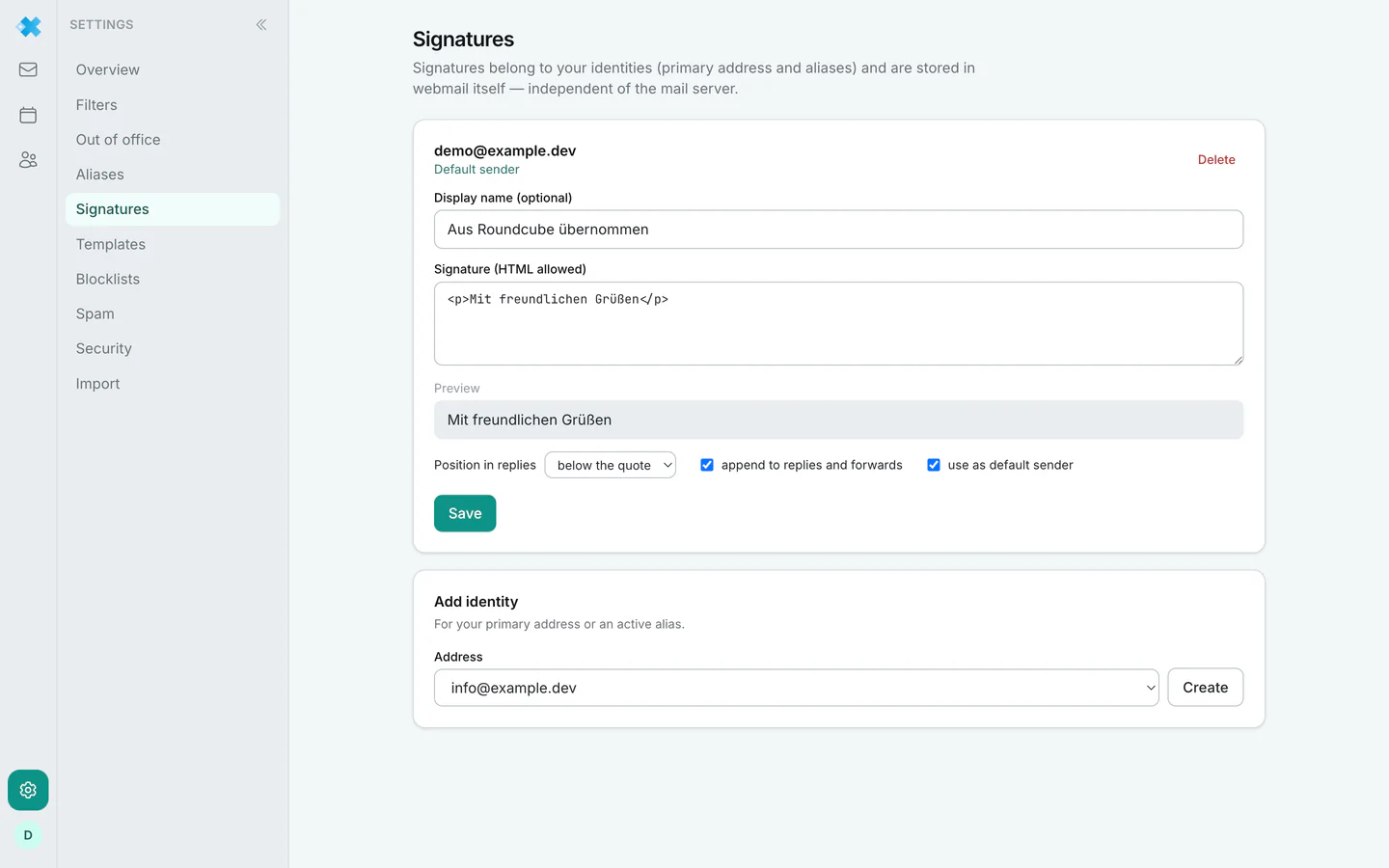
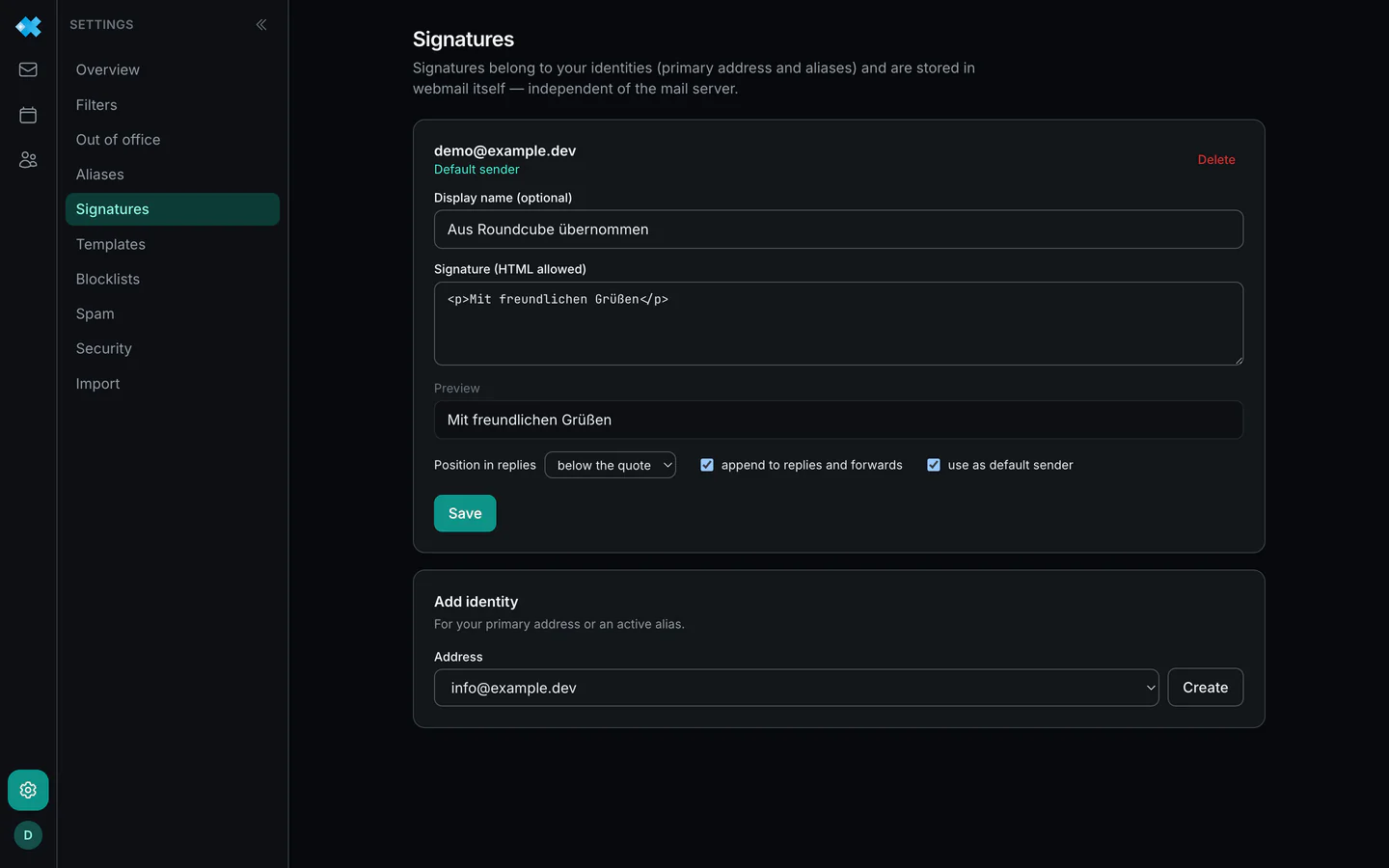
For the older mail packages, webmail creates the identities for the main address and the aliases itself when you sign in. Otherwise the first step is add identity, for the main address or an active alias, then the text.
An identity can carry a display name, shown to the recipient next to the address. One of them is the default sender: the compose window preselects this address.
Where the signature goes
Section titled “Where the signature goes”In a new message the signature sits below your text. For replies and forwards you set two things per identity:
- Position: above the quote (the default) or below it. Above the quote is the usual form in business mail: the recipient reads your reply and signature before the quoted thread begins.
- Append or not: if you do not want to send the full signature every time in a long exchange, switch it off for replies and forwards.
HTML and preview
Section titled “HTML and preview”The signature may contain HTML, such as emphasis, links or a logo by its address. The preview shows exactly what is saved: webmail removes scripts, forms and embedded style blocks when saving, so that a signature carries no code into your messages. Formatting, links and images stay.
Templates
Section titled “Templates”Templates are recurring phrasings you write once and insert while composing. They are plain text and land at the cursor position in the message body.
The difference to a signature: a signature is attached to the identity automatically, a template is inserted deliberately. For “kind regards plus postal address” you use the signature, for “reply to a frequent question” the template.