

Mailbox security
This area secures access to the mailbox. It is separate from the account security of the customer account: those are two distinct logins with distinct passwords.
Changing the password
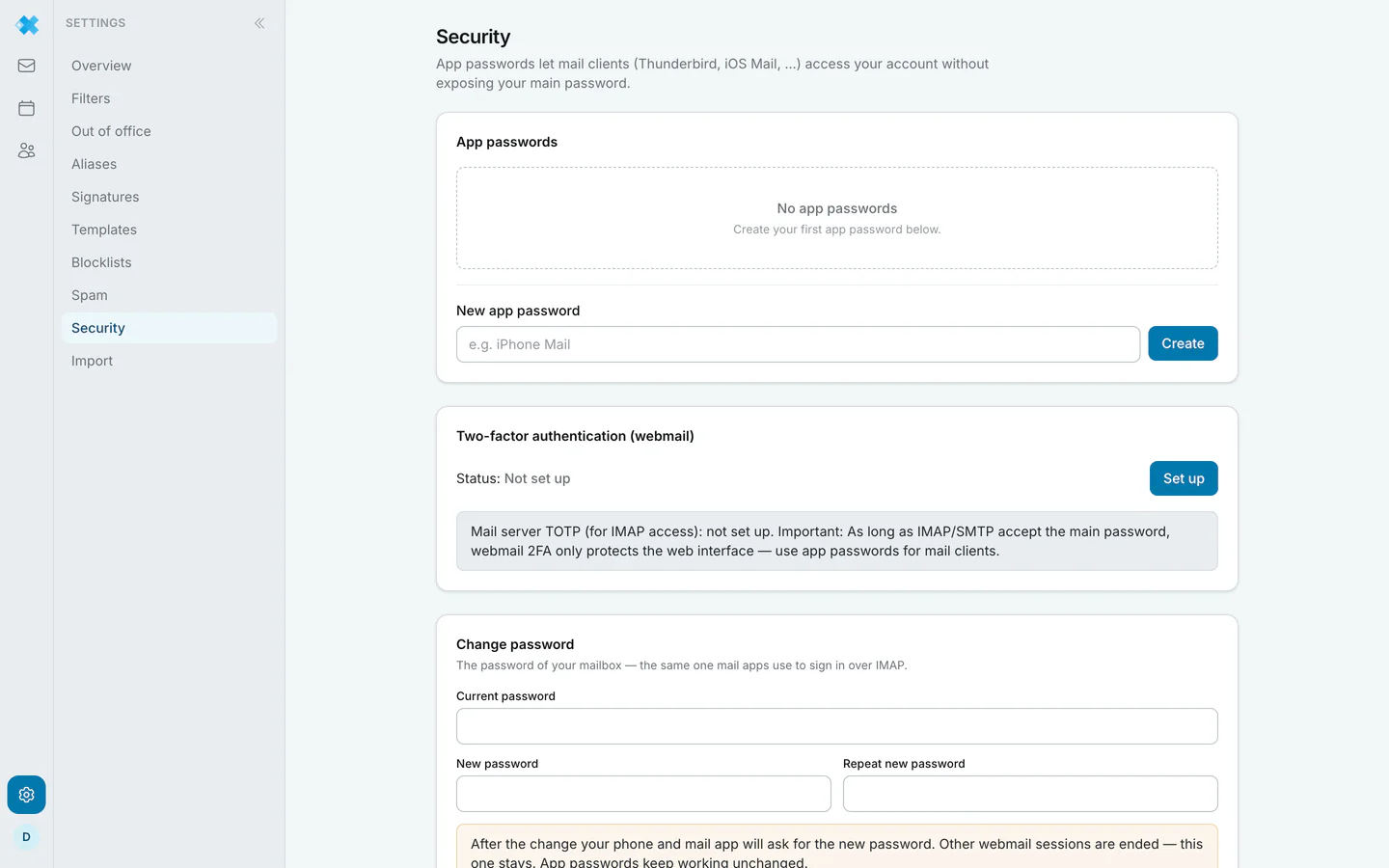
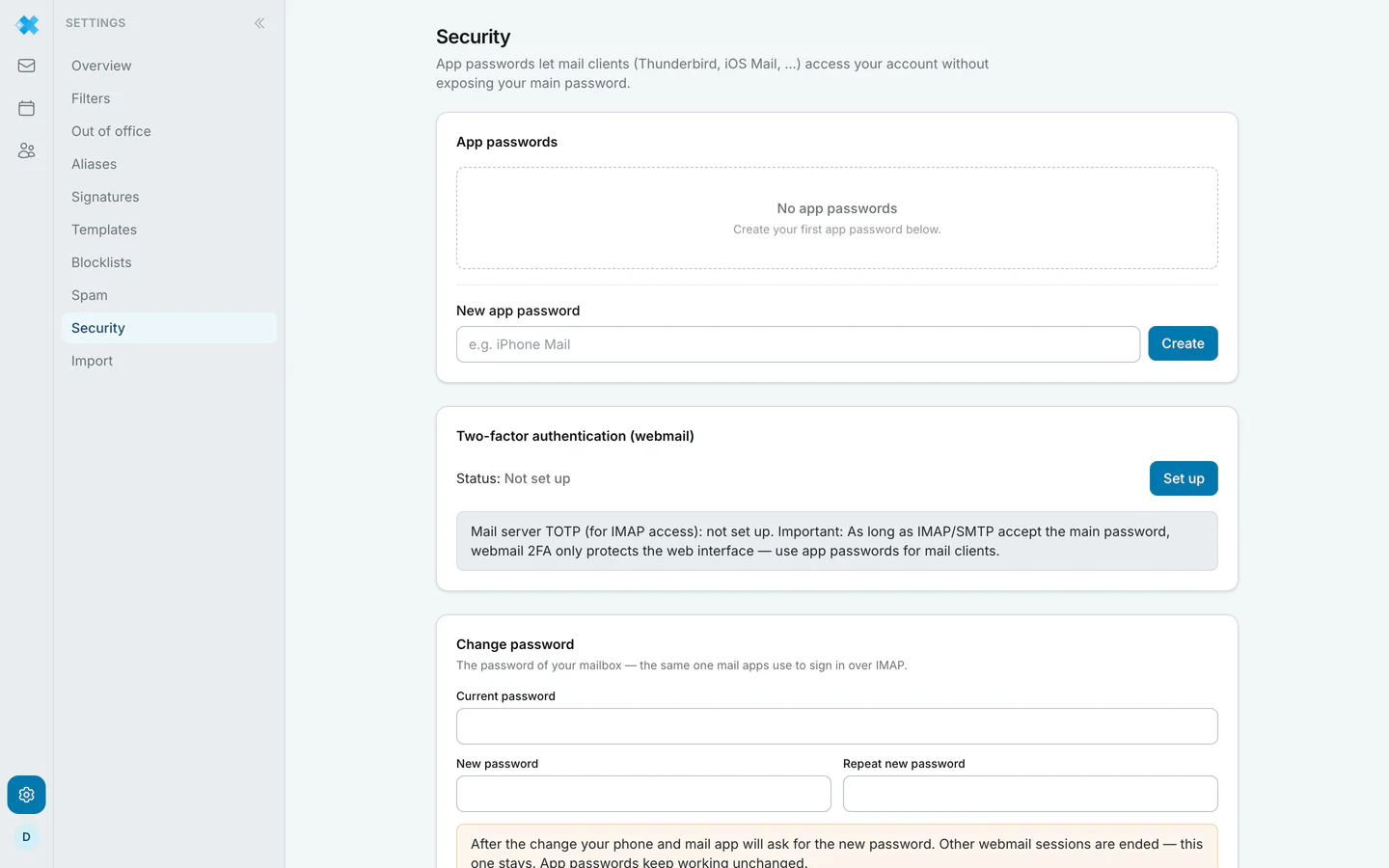
Section titled “Changing the password”The mailbox password is the same one mail programs use to sign in over IMAP. So changing it here means updating it in Thunderbird, iOS Mail and on your phone as well.
Worth noting: this change works right here in the webmail, without the detour through the customer account.
Passkeys
Section titled “Passkeys”A passkey confirms the sign in with fingerprint, face or device PIN instead of a password.
Two factor authentication
Section titled “Two factor authentication”This applies to signing in to the webmail. A mail program connecting over IMAP cannot ask for a second factor; that is what app passwords are for.
App passwords
Section titled “App passwords”They let mail programs in without handing over your main password. One per program, and revocable individually: if a phone goes missing you withdraw its app password without having to set up every other device again.
That is precisely why app passwords are also the answer to the two factor question. Once 2FA is active, IMAP connections need one.