

Contract, owner and transfer
Two pages carry the contractual side of a domain: my contract with term, renewal and the AuthInfo code, and domain contact with the owner data.
My contract
Section titled “My contract”Domains → your domain → My contract, direct address:
dash.regfish.com/my/domains/<tld>/<sld>/contract
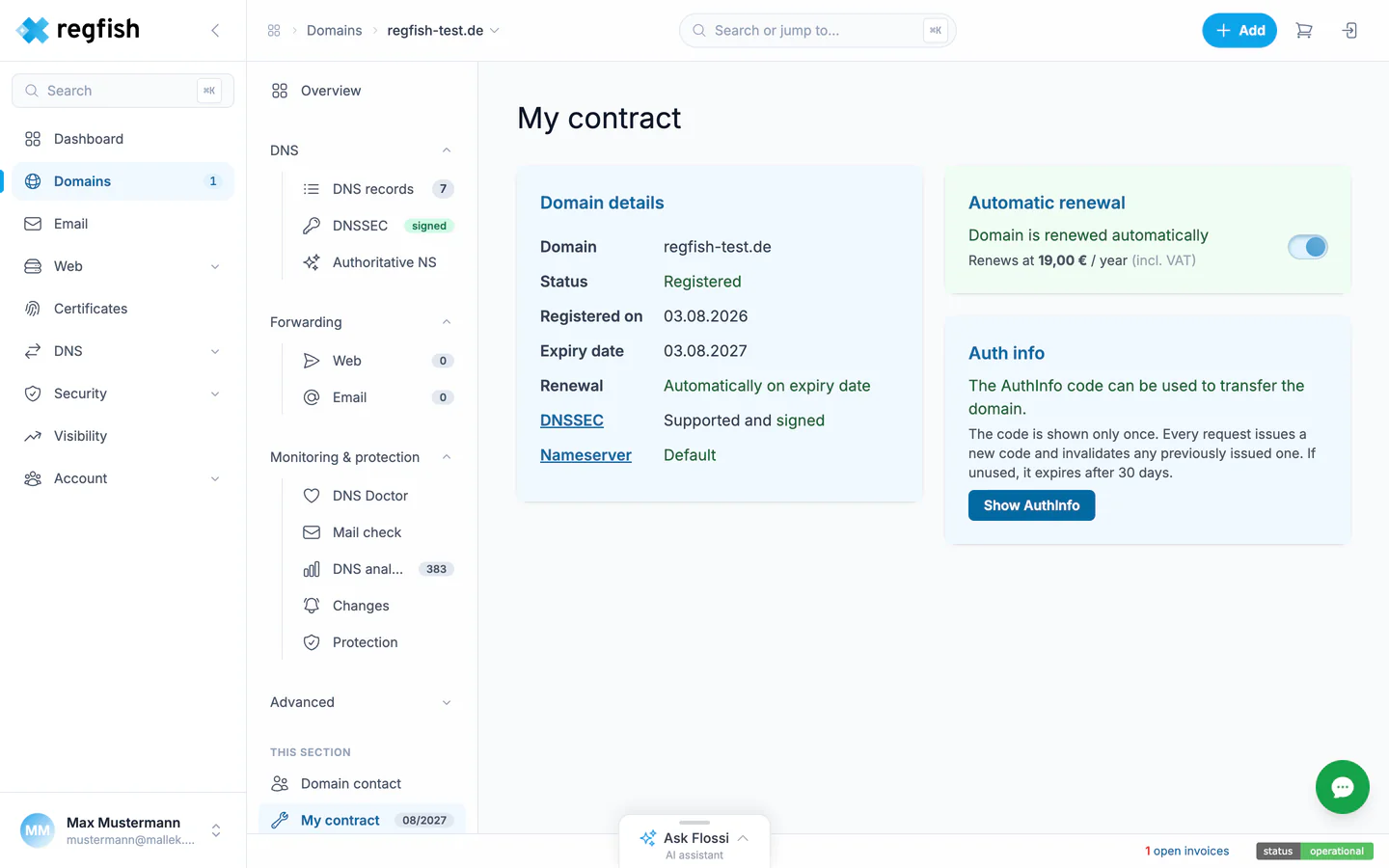
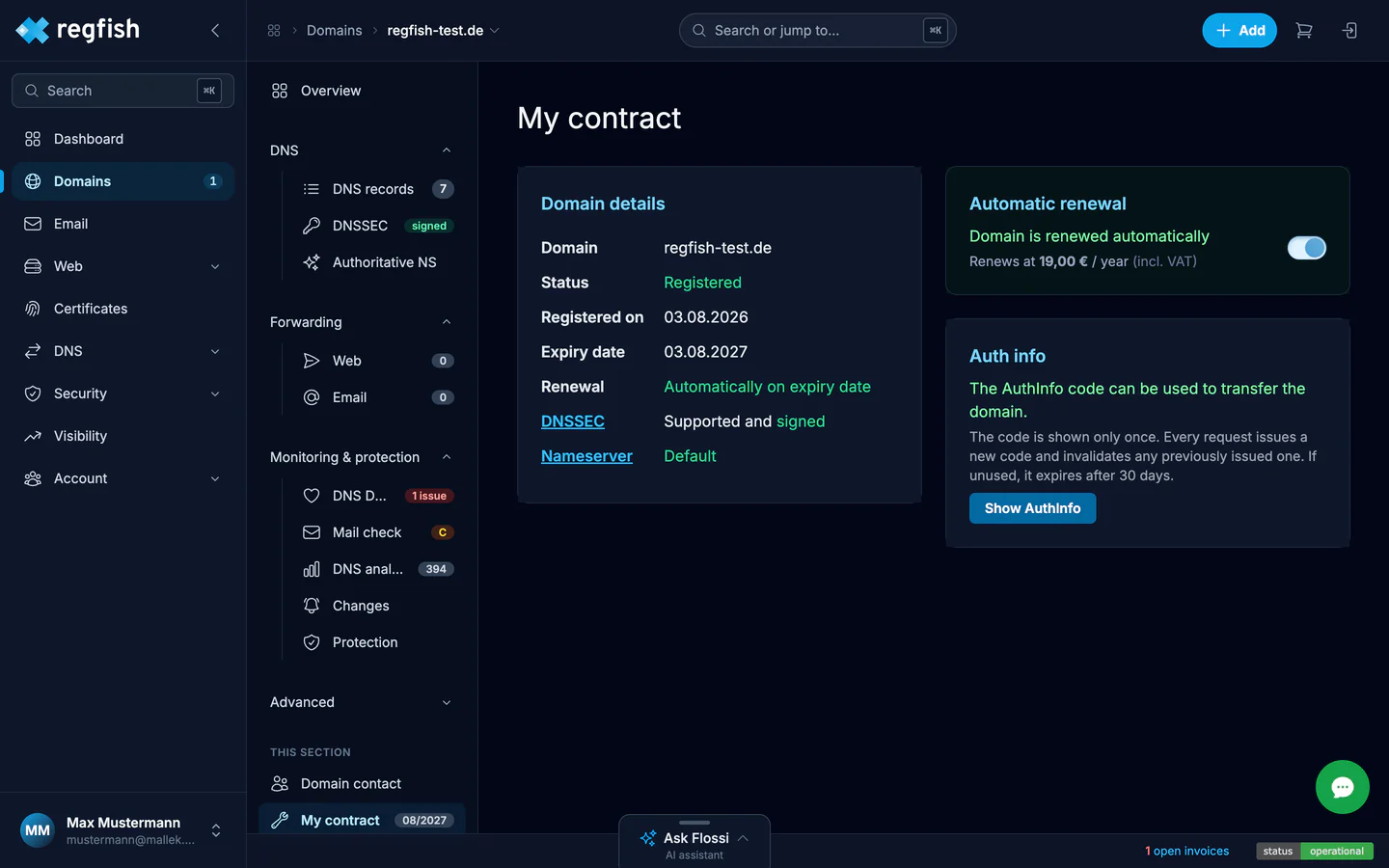
At the top sit the domain details: status, registration date, expiry date, DNSSEC and the nameservers. Below that the automatic renewal: the domain renews itself on the expiry date, at the price shown next to it. Whether it is on is also watched by the domain guardian, because a quietly expired domain is the most common way to lose one.
The AuthInfo code: moving to another provider
Section titled “The AuthInfo code: moving to another provider”The AuthInfo code is what moves the domain to another registrar. Three rules are on the page, and they are the actual process:
- The code is shown only once. Note it when revealing it, then it is gone.
- Every request issues a new code and invalidates the previous one.
- Unused, it expires after 30 days.
An issued code means: whoever knows it can move the domain away. Which is exactly why the domain guardian shows open codes with their deadline and reports the issuance by mail. The code can be automated through request an AuthInfo code.
Domain contact: the owner data
Section titled “Domain contact: the owner data”Domains → your domain → Domain contact, direct address:
dash.regfish.com/my/domains/<tld>/<sld>/owner
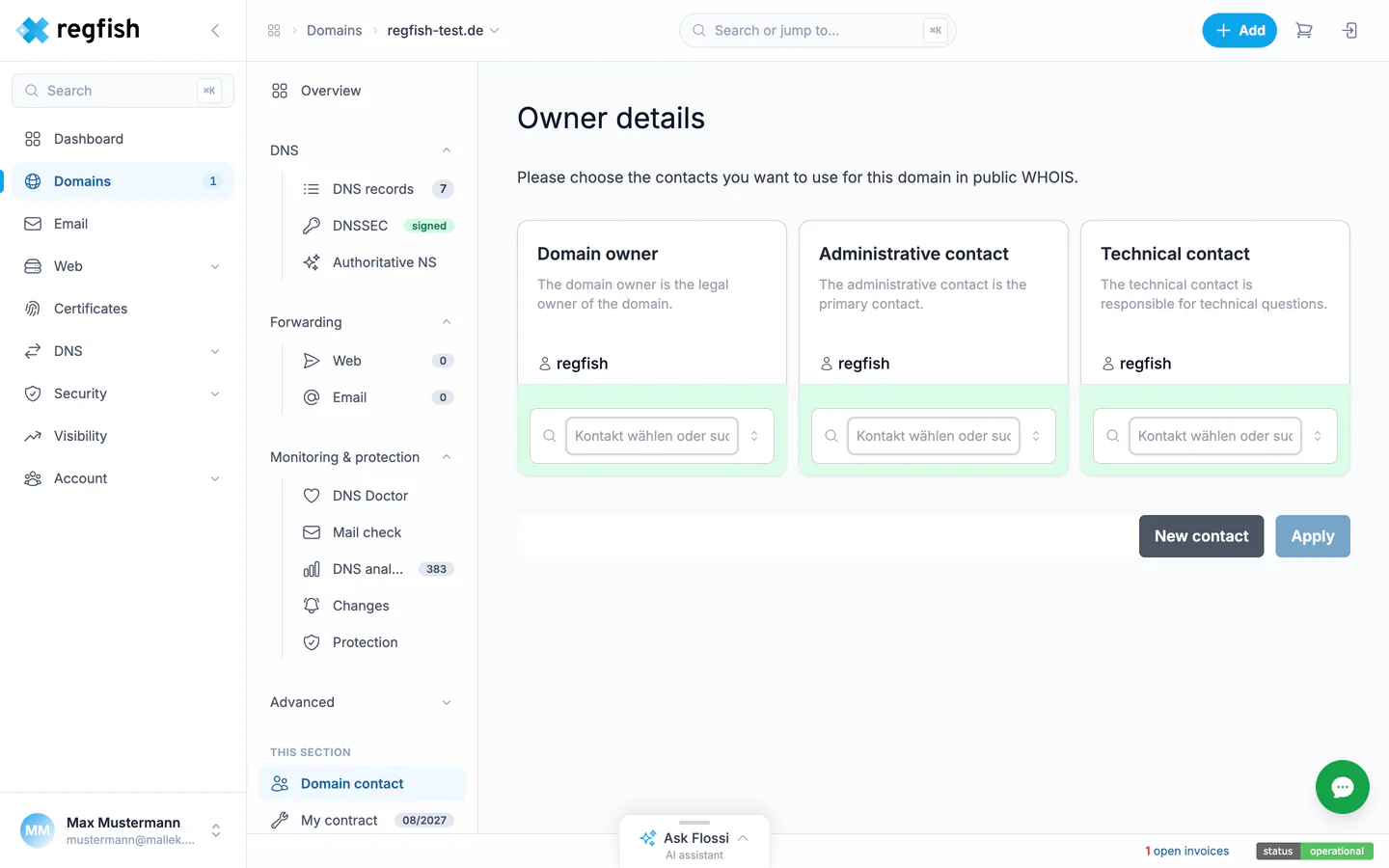
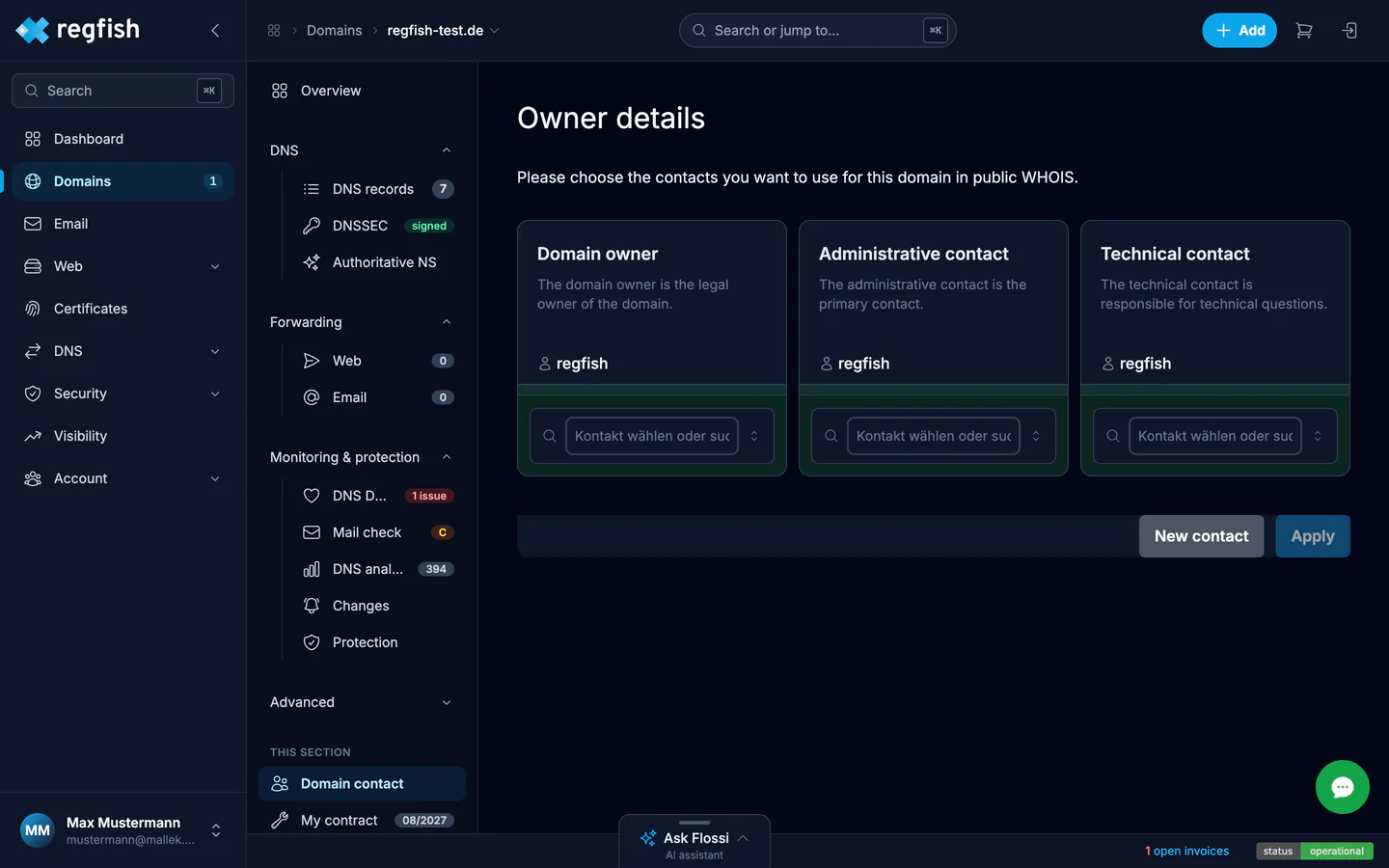
Three contacts belong to a domain, and they are not the same:
- Domain owner: the legal holder of the domain. This is the role that matters, for example in a dispute over the domain.
- Administrative contact: the primary contact.
- Technical contact: the contact for technical questions.
Through new contact you create further contact records and assign them to the roles; apply reports the change to the registry.