

Payment methods
The payment method determines how outstanding amounts are settled - for orders as much as for recurring fees, such as a domain’s annual renewal. It is set once for the account, not per order.
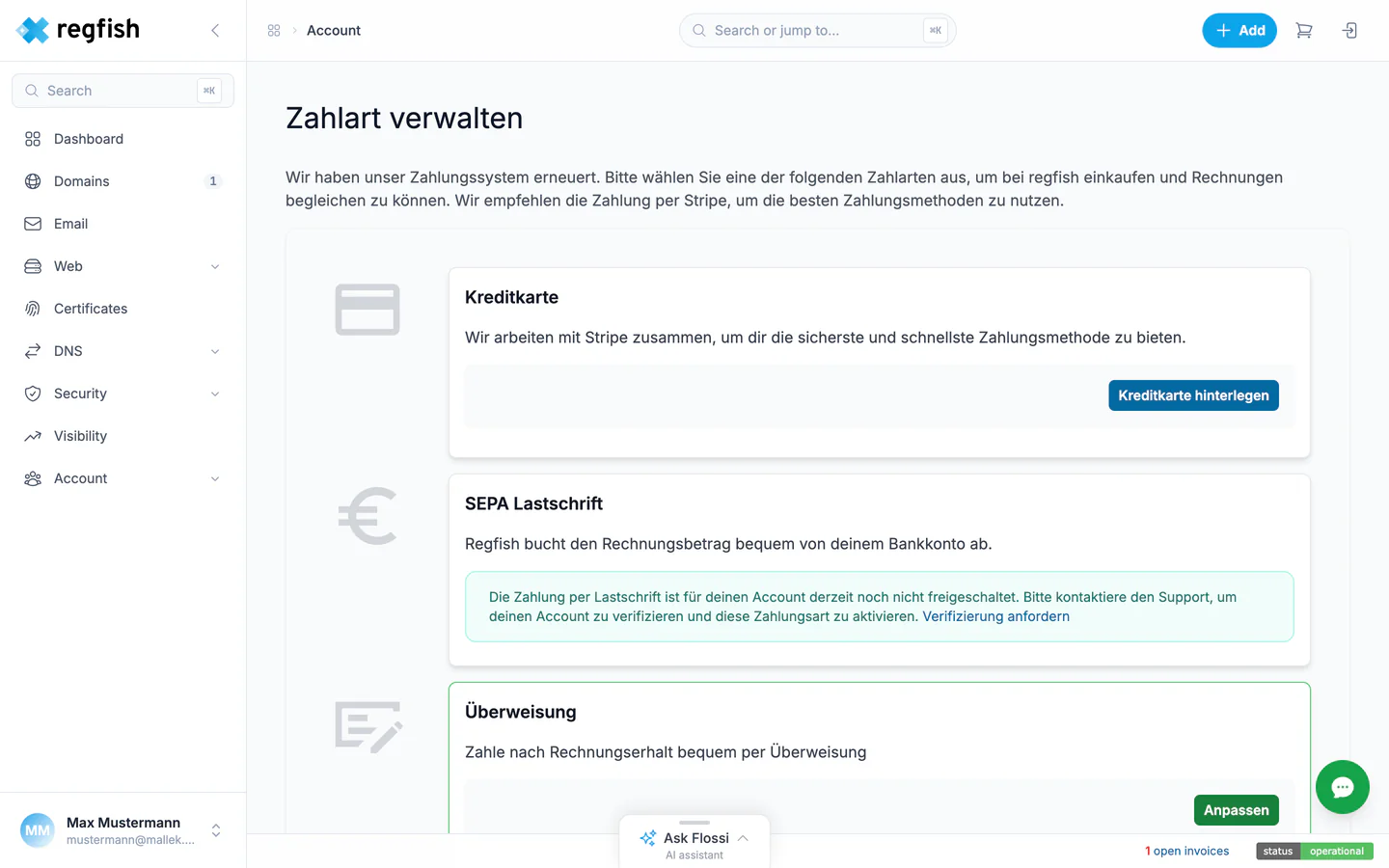
What you can choose from
Section titled “What you can choose from”| Payment method | How it is billed | What you have to do |
|---|---|---|
| Credit card | The amount is charged automatically to the card on file. | Add the card once, then nothing. |
| SEPA direct debit | The amount is debited from the current account on file, about three days after the invoice is issued. | Add your account details and mandate once, then nothing. |
| Bank transfer | You transfer the money yourself. The payment term is stated on the invoice and is 10 days by default. | Transfer each invoice yourself. |
Card payments run through the payment provider Stripe; the card details are held there, not at regfish. The page says so.
Credit card and direct debit run automatically - once the details are on file, there is nothing left to do. With bank transfer the payment is up to you; the bank details are on every invoice.
Where to change it
Section titled “Where to change it”Account → Payment methods, direct address: dash.regfish.com/my/setting/payment
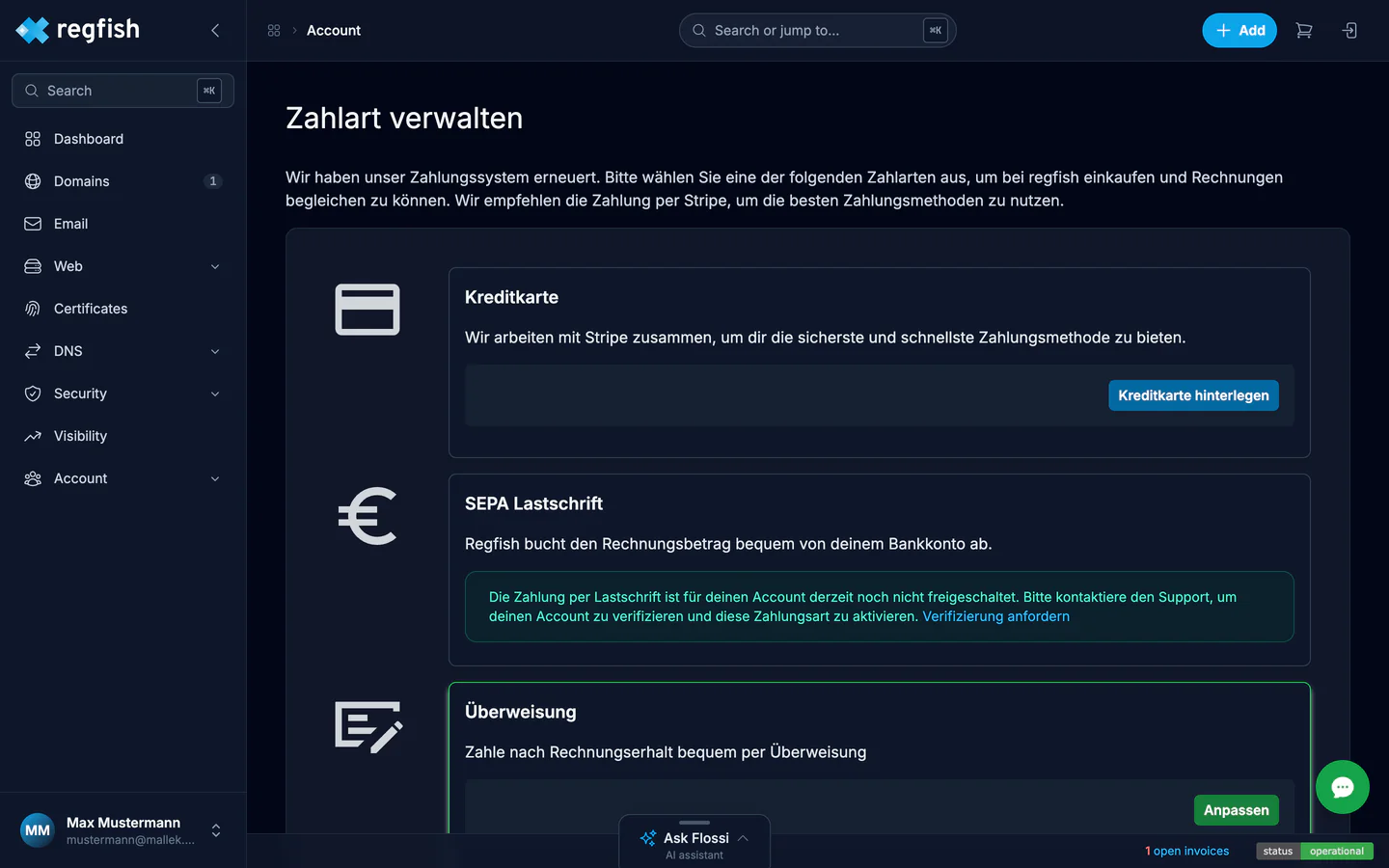
The page shows three tiles - credit card, SEPA direct debit, and bank transfer. The active payment method is marked; each tile is where you enter new details or switch to that method.
Who may do what:
- Viewing is open to anyone with the
billing:readpermission - the account owner, or a team member who has been given the role. - Changing requires
billing:write. - During a support session, in which someone from the regfish team is looking at your account on your behalf, payment details cannot be changed. That is deliberate: bank details and cards should only ever be entered by whoever is signed in themselves.
Direct debit and bank transfer have to be enabled
Section titled “Direct debit and bank transfer have to be enabled”Credit card is open to every account. Direct debit and bank transfer are not - they are enabled per account. If that has not happened for your account yet, the page reports on saving that the payment method is not enabled.
The way there is through support: request verification, then your account is reviewed and the payment method enabled. Until then, credit card is the alternative.
When you order
Section titled “When you order”The order process has a step of its own for the payment method. One thing matters there:
Where the invoices live
Section titled “Where the invoices live”Under Account → Invoices (dash.regfish.com/my/billing) you
will find every document - invoices, reminders, credit notes - with its status and as a PDF
download. Here too the billing:read permission is enough.
Through the API
Section titled “Through the API”Payment methods and invoices are not part of the public API. Both are managed in the dash only.
The billing:read permission does exist as an API permission all the same - it decides whether the
regfish assistant may give out information about invoices.