

Check and manage DNSSEC
DNSSEC signs your zone’s responses cryptographically. Resolvers can use those signatures to check that a response really comes from your zone and was not altered along the way.
Where the status lives
Section titled “Where the status lives”Domains → your domain → DNS → DNSSEC, direct address:
dash.regfish.com/my/domains/<tld>/<sld>/dnssec
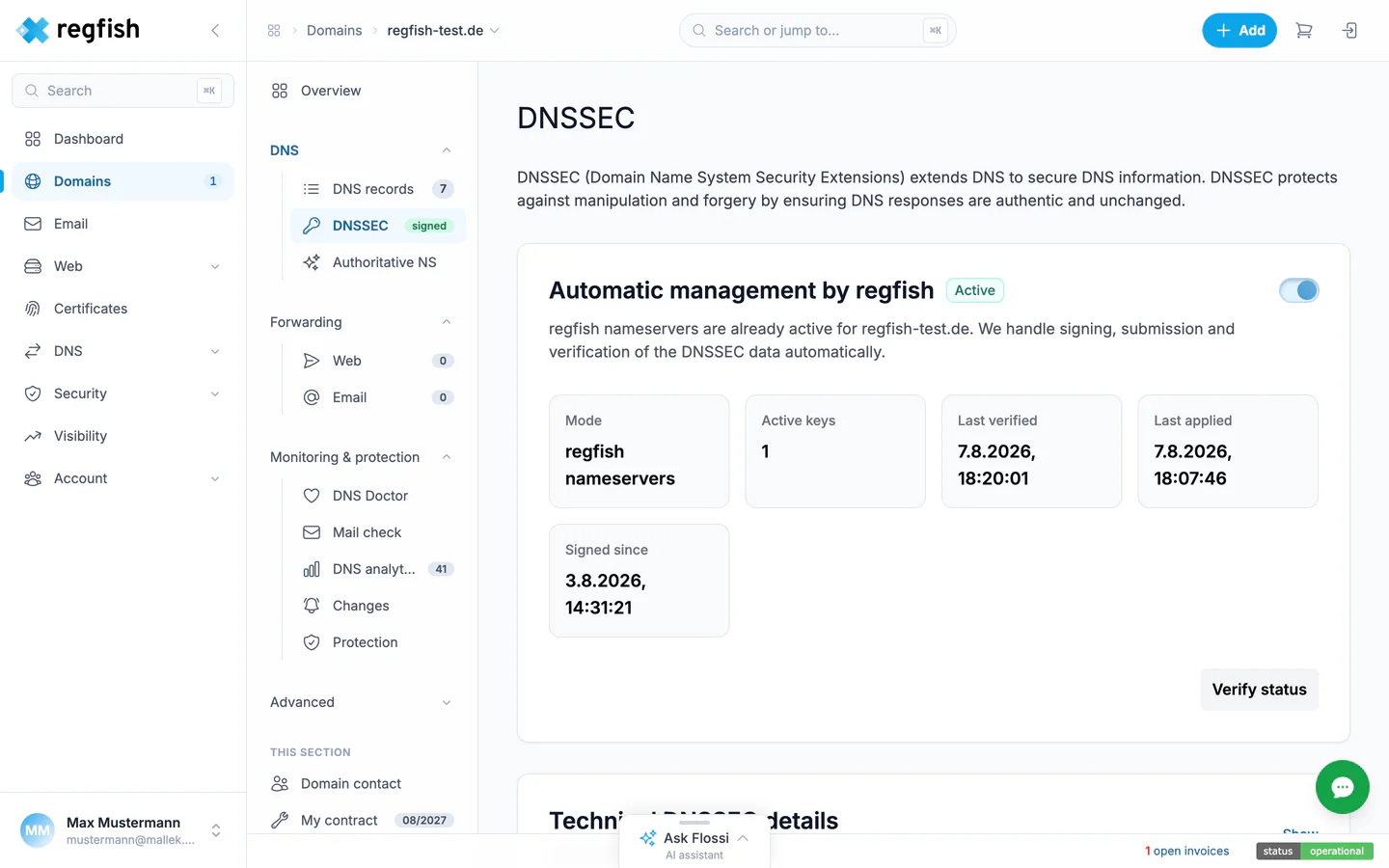
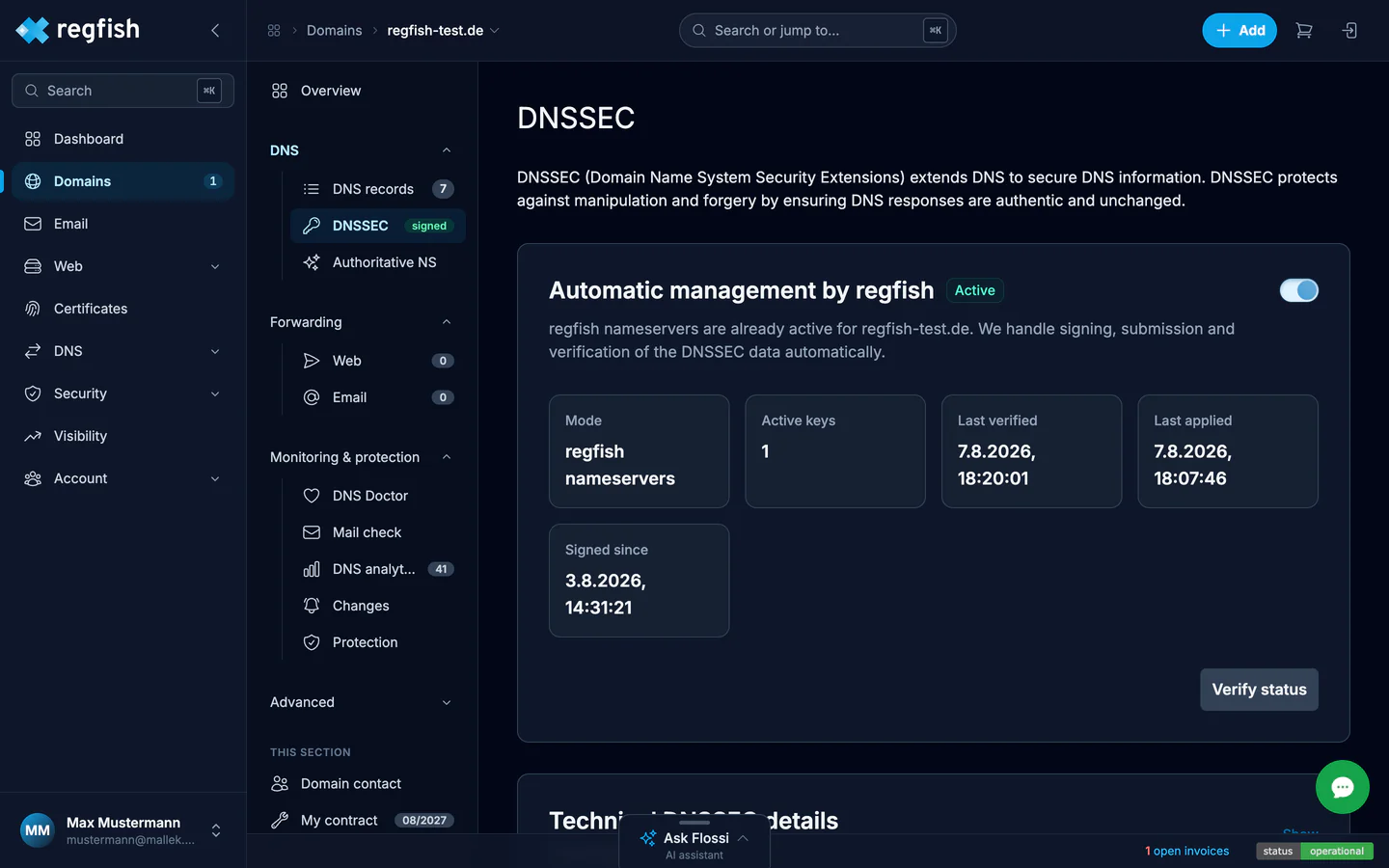
Automatic management
Section titled “Automatic management”If the domain runs on regfish nameservers, regfish handles the signing, the submission to the registry, and the ongoing checks itself. The page then shows Automatic management by regfish - Active and, below it:
| Field | Meaning |
|---|---|
| Mode | Which nameservers serve the zone |
| Active keys | How many keys are on file with the registry |
| Last verified | When regfish last checked the chain |
| Last applied | When a change last went to the registry |
| Signed since | How long the zone has been signed |
Verify status starts a check by hand. That is worth doing after a nameserver change, or when an external test reports that the chain is broken.
Two expandable sections go deeper: Technical DNSSEC details shows the keys on file with the registry, Recent DNSSEC activity the history of changes.
The same thing through the API
Section titled “The same thing through the API”| Task | Endpoint |
|---|---|
| Read the status | GET /dns/{domain}/dnssec |
| Set the configuration | PUT /dns/{domain}/dnssec |
| Verify the status | POST /dns/{domain}/dnssec/verify |
| Cancel a running transition | POST /dns/{domain}/dnssec/cancel |
| List jobs | GET /dns/{domain}/dnssec/jobs |
Important for scripts: DNSSEC changes run asynchronously. That is why the API distinguishes
between the target (desired_state) and the state actually observed (live_state) - the two are
allowed to differ for a while. To wait for completion, query the job list instead of polling the
status in a tight loop.
Automating this
Section titled “Automating this”The five DNSSEC endpoints switch signing on and
off and verify it through the API. DNSSEC can also be enabled and verified through the
MCP server; what desired_state versus live_state means there is covered in
core concepts.