

regfish Mail
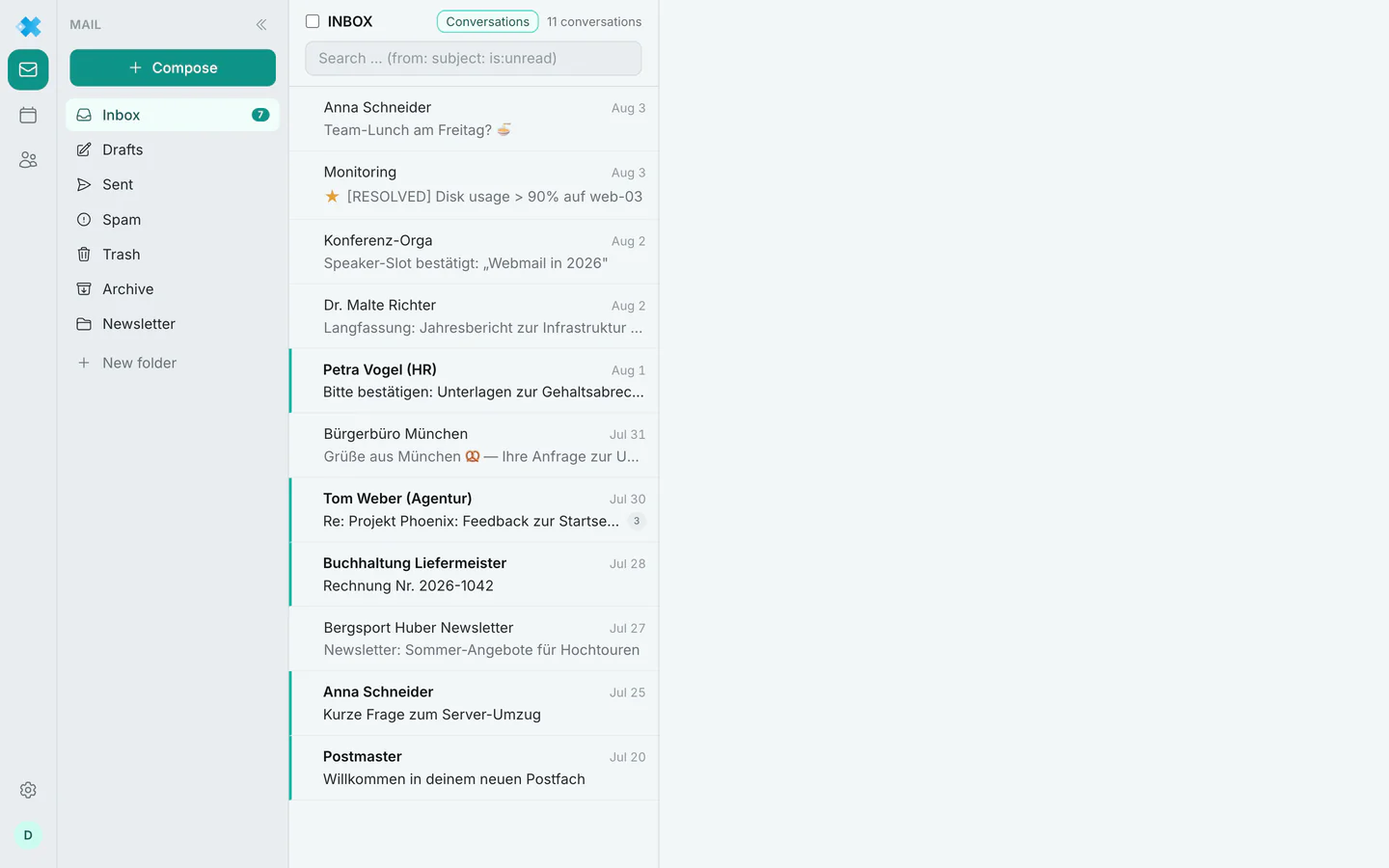
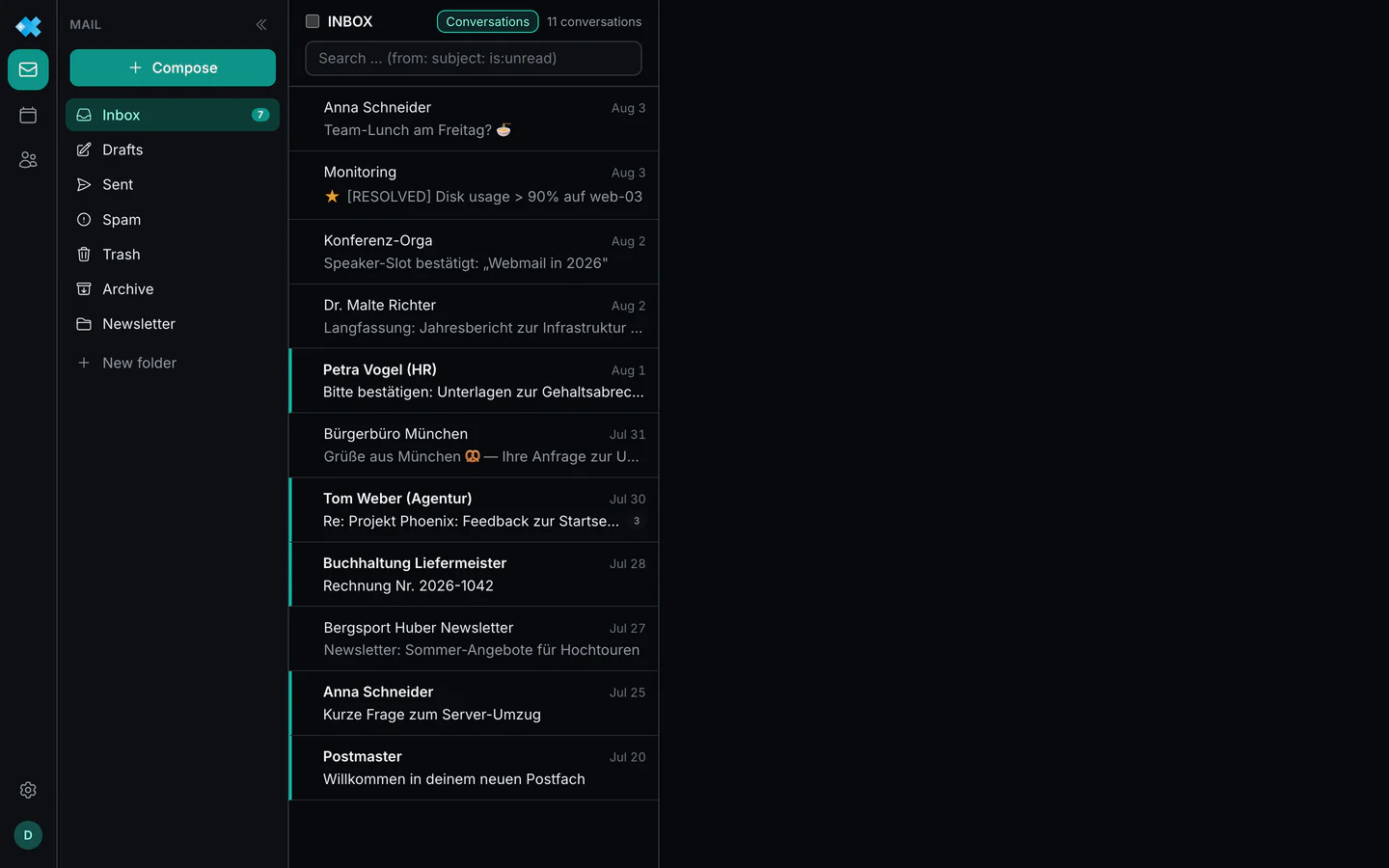
regfish Mail is the mail service of regfish GmbH. It provides mailboxes, accepts and delivers mail, keeps a calendar and an address book, and can be used in several ways. The webmail is one of those ways, not the service itself.
The ways in
Section titled “The ways in”| Way | For what |
|---|---|
| Mail program over IMAP, POP3 and SMTP | The usual route: Apple Mail, Outlook, Thunderbird, your phone |
| Webmail in the browser | From anywhere without setup, plus the mailbox settings |
| Calendar and address book over CalDAV and CardDAV | Appointments and contacts in any program speaking those standards |
Every route reaches the same data. What you delete in a mail program is gone in the webmail too.
Setting up a mail program
Section titled “Setting up a mail program”The server is always mail.regfish.com, regardless of language and of the domain your address
uses. You sign in with the mailbox password and either the full email address or the mailbox
user in the form 93029-1234. If a username is set for a mailbox, signing in by address can be
disabled; the dash shows what applies to yours.
| Protocol | Encrypted | Alternative |
|---|---|---|
| IMAP | 993 | 10993 |
| SMTP | 465 | 10465 |
| POP3 | 995 | 10995 |
The alternative ports exist for the case where your own internet provider blocks the standard ones. That happens on some networks and shows up as a timeout while connecting.
IMAP rather than POP3 if you use the mailbox on several devices: IMAP leaves the mail on the server and keeps every device in step, POP3 fetches it away. Push mail over IMAP IDLE is supported.
If two factor authentication is active for the mailbox, the mail program needs an app password; a second factor cannot be requested over IMAP. See security.
Where things are managed
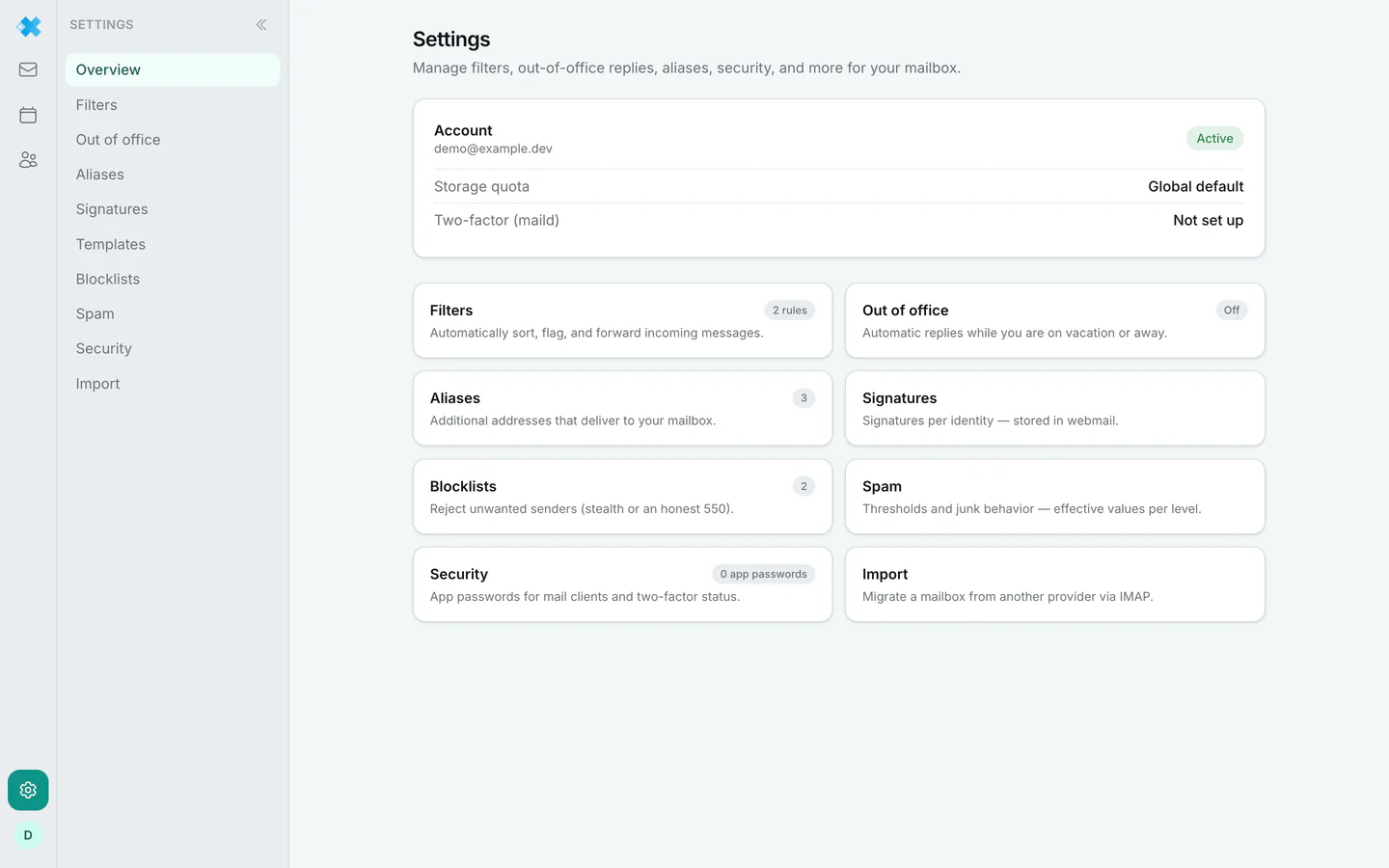
Section titled “Where things are managed”These are not two separate areas of responsibility but two ways into largely the same settings, for two different roles.
Administration sits in the dash, for every mailbox. Whoever looks after the account finds aliases, app passwords, vacation reply, rules, spam, password, DAV access and the import there, per mailbox.
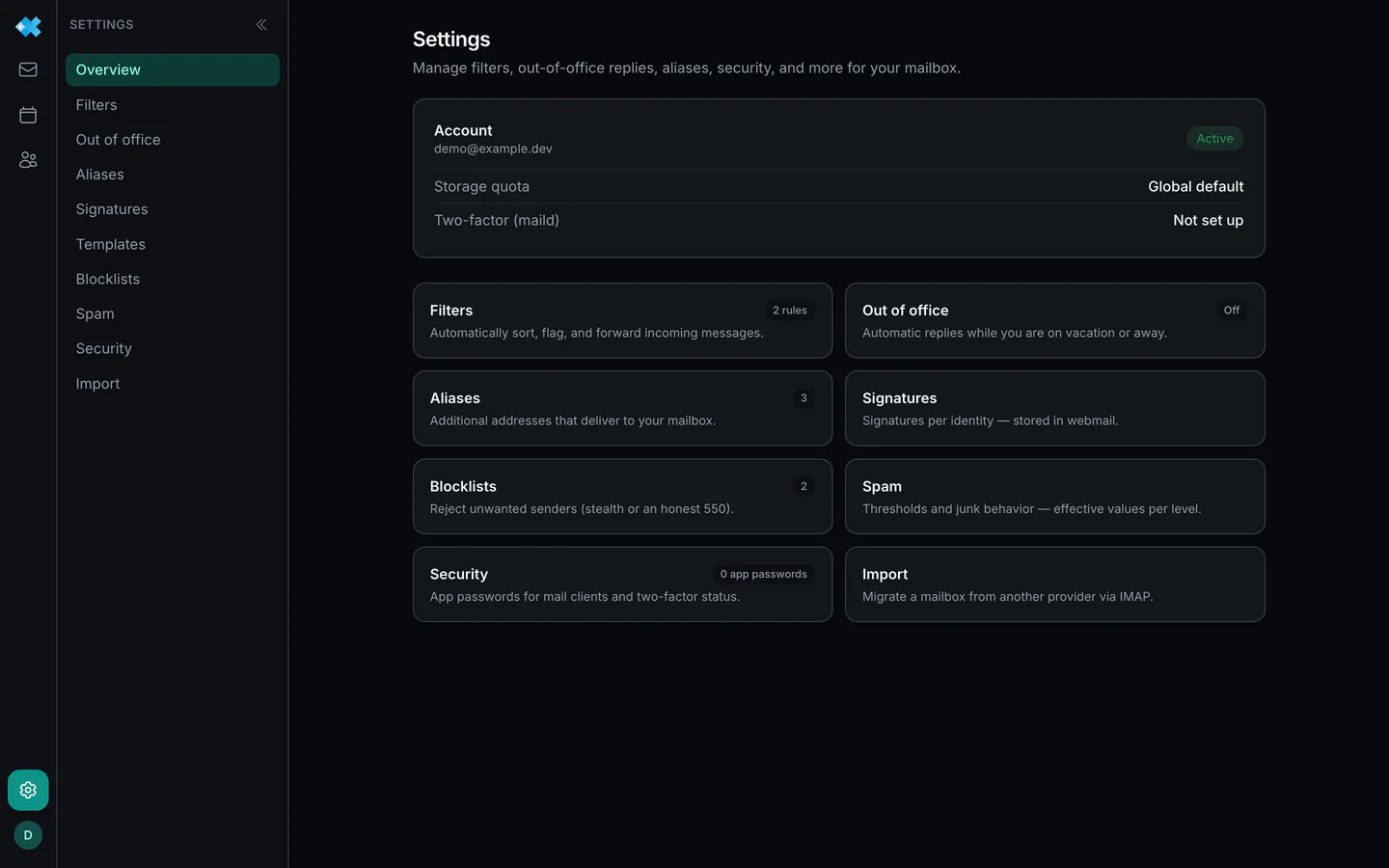
In the webmail the mailbox owner finds the same settings for their own mailbox, without needing access to the customer account. That is exactly what it is for: the colleague setting a vacation notice does not have to enter the dash or ask an administrator.
A few things exist in one place only:
| Dash only | Webmail only |
|---|---|
| Mail package, contract, upgrade | Blocklists |
| Creating and deleting mailboxes | Signatures and templates |
| Domains with DNS, SPF, DKIM, DMARC | |
| Domain wide spam and alias rules |
So the rule of thumb is not “one mailbox versus many” but: anything touching the contract or a whole domain only works in the dash. Anything on your own mailbox also works in the webmail.
When connecting a domain in the dash you may name a subdomain, for example delivery for
delivery.your-domain.com. It becomes a mail area of its own with its own mailboxes and aliases;
regfish creates the MX record for it in your zone right away, provided the zone runs on regfish
name servers, while SPF, DKIM and DMARC are applied in the DNS tab as for any domain. A domain
that is already connected stays selectable for further subdomains.
Two web interfaces
Section titled “Two web interfaces”| Address | For what | |
|---|---|---|
| regfish Mail (webmail) | regfish.com/webmail/ | The modern interface. Open to all mail plans, old and new |
| regfish Webmail (Roundcube) | webmail.regfish.de | The previous interface, matching the older mail plans |
The old webmail stays. Anyone happy with it need not change a thing. Both reach the same mailbox.
What else the service brings
Section titled “What else the service brings”Spam and virus filtering per mailbox, sender blocklists, sorting rules, a vacation notice, two factor sign in with app passwords, and an IMAP migration you start yourself. The chapters of this section describe them in turn.